|

| Home Detail Review Demo Order Update Contact Links News Australian Winery Maps |
|
You should download and install BOTH of these files if your existing copy of the program is a build prior to the one quoted above and you should certainly do so if your copy doesn't have a build number. You can check the build number by going to the Help menu and clicking on About WineBase...
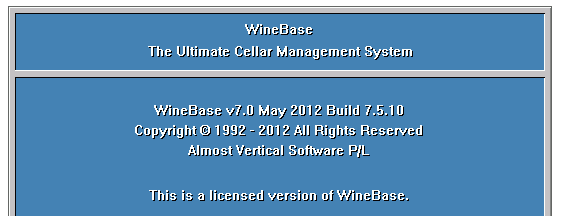
Click here to get the latest WineBase v7.0 Program File - winebase.exe Your browser should ask you what to do with the file unless you've already designated a default folder for all downloaded files to be placed.
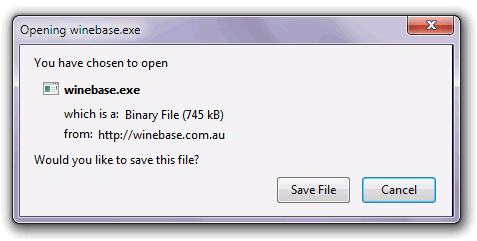
If your browser does ask you what to do with the file click on Save File You should select the c:\WineBase32 folder as the place where the file is to be saved to. If you save it to another location you'll have to move it to the c:\WineBase32 folder later. Click here to get the latest WineBase v7.0 Help Files - wbhelp32.exe This file can go anywhere except the c:\WineBase32 folder. You will need to remember where you put it though as you need to run this file to install the new Help system. WB32Help.exe is just an installation program which will copy the required files to where they need to go. Easiest way to run the file is to use Windows Explorer to list the folder where the file is and double click on WB32Help.exe You can also access these help pages online by clicking here You should check this page from time to time for news of further updates as they can be fairly frequent. Do consider visiting the sponsored links as some of the deals are pretty good and I get a few fractions of a cent if you do. And if you haven't joined us as a friend on Facebook then why not do that as well as we all need more friends. Not using v7.0 then consider upgrading.
|